Chatbot Development Checklist
A comprehensive guide to building effective AI-powered support chatbots in 2026
Building Effective Customer Support Chatbots
Developing an AI-powered customer support chatbot requires strategic planning and modern conversational design techniques.
This comprehensive checklist covers all phases of chatbot development – from initial strategy to ongoing optimization – providing a clear roadmap to create support bots that genuinely delight users while delivering measurable business value.
70%
Resolution Rate for Elite Bots
5.4min
vs 38hr Resolution Time
25%
Primary Support Channel by 2027

Pro Tip
73% of AI-using businesses have now integrated Generative AI capabilities into their customer-facing chatbots.
2026 Chatbot Development Highlights
1. Planning & Strategy
Successful chatbots start with a clear plan. Define what you want to achieve and how you'll measure success.
Setting Strategic Foundations
Before writing a single line of code, it's essential to establish a strategic framework for your chatbot. This foundation includes defining the problems you're solving, the specific scenarios the bot will handle, and how you'll measure its impact.
The Scope Scope
Gartner predicts that by 2027, chatbots will be the primary customer service channel for about 25% of organizations. Having a focused plan with clear scope boundaries is crucial for success in this growing landscape.
When setting your bot's scope, consider your support team's current pain points and high-volume inquiries. Start with a focused scope rather than trying to solve every support scenario at once. As one 2024 guide put it: "Start small, focus on user needs, and keep improving based on real conversations."
Common Mistakes to Avoid:
- Setting overly ambitious goals for your first bot version
- Failing to align chatbot objectives with broader business goals
- Not establishing clear success metrics to track performance
- Choosing channels that your customers don't actually use
- Building a bot without understanding existing support workflows
Planning Checklist
Business Objectives & Scope
Key Use Cases
Channel Selection
Success Metrics (KPIs)
Planning Resources
To help plan your chatbot strategy effectively, we've compiled resources to guide your planning process.
Planning Templates & Tools:
Chatbot Requirements Template
Document your bot's requirements systematically
Use Case Worksheet
Template for defining detailed bot scenarios
KPI Calculator
Calculate potential ROI from chatbot implementation
Stakeholder Alignment Guide
Ensure all teams are aligned on chatbot goals
2. Platform & Tool Selection
Choosing the right development platform or framework is a critical decision for your chatbot's success.
The Technology Foundation
The platform you select will determine much of your chatbot's capabilities, flexibility, and development experience. Evaluate options based on your team's technical skills, integration needs, language requirements, and budget constraints.
Key Selection Criteria:
- Hosting Model: Cloud-based (SaaS) vs. self-hosted (on-premises)
- Technical Expertise Required: No-code tools vs. developer-focused frameworks
- Language Support: Number of languages and quality of natural language understanding
- Integration Capabilities: Native connectors to your existing systems
- Scalability: Ability to handle growing usage and complexity
- Cost Structure: Free tiers, usage-based pricing, enterprise licensing
Making The Right Choice
The best platform depends on your specific needs. Start by listing your requirements (on-prem vs. SaaS, coding expertise available, required languages, etc.). As one 2024 guide notes: "For a big, complex project, Microsoft Bot Framework or Rasa might be your best bet. Starting up and want balance? Check out Botpress or Dialogflow."
It's worth noting that almost all platforms offer free tiers for getting started and experimenting. However, plan for paid usage as your bot traffic grows - platform costs typically increase with message volume and usage of advanced features like sentiment analysis.

Popular Platform Comparison (2026)
Dialogflow (Google)
A popular cloud NLP platform from Google that allows chatbot building with minimal coding. Offers strong intent recognition and supports 30+ languages with easy deployment across many channels.
Pros:
- Intuitive visual builder with pre-built agents
- Robust multilingual NLP capabilities
- Integration with other Google Cloud services
Cons:
- Dialogflow CX (advanced version) can be expensive
- No built-in live chat UI (embedded in your interface)
- Hosted service (closed-source) with usage-based costs
Best for: Organizations wanting a balanced mix of power and ease of use. Ideal when quick development with minimal technical expertise is a priority.
Rasa (Open Source)
An open-source framework for building chatbots on-prem or in the cloud. Provides advanced NLP, dialog management, and is highly customizable for complex, contextual conversations.
Pros:
- Full data control (critical for GDPR/HIPAA compliance)
- No licensing fees for the open-source version
- Highly customizable for complex use cases
Cons:
- Requires programming (Python) and ML knowledge
- Steeper learning curve than hosted solutions
- Need to manage your own infrastructure
Best for: Teams with development resources who need maximum control or have strict data privacy requirements. Ideal for complex enterprise use cases.
Microsoft Bot Framework
A powerful SDK and toolset for developing bots in multiple programming languages. Great for enterprise scenarios with deep integration into Microsoft's Azure services.
Pros:
- Extremely scalable and extensible architecture
- Bot Framework Composer provides visual designer
- Native support for Teams, Skype, Slack, etc.
Cons:
- Steeper learning curve and setup
- Not fully open-source (SDK is open, services are not)
- Costs accumulate based on Azure service usage
Best for: Organizations already in the Microsoft ecosystem. Good fit for enterprise scenarios requiring integration with Microsoft products.
Other Notable Platforms
Several other platforms offer unique advantages depending on your specific requirements and existing technology stack.
Botpress:
Open-source platform with visual flow builder and built-in NLP. Good middle-ground for mixed skill teams.
IBM Watson Assistant:
Enterprise-grade solution with strong dialog and intent capabilities and IBM Cloud integration.
Amazon Lex:
Powers Alexa, integrates deeply with AWS services. Strong for voice bots and AWS users.
When choosing, focus on: team skills, required channels, needed customizations, and budget. Most platforms offer free tiers for initial testing.
Platform Selection Guidance
Need help selecting the right platform for your specific requirements? Our chatbot experts can analyze your business needs, technical environment, and long-term goals to recommend the best technological foundation for your customer support bot.
3. NLP Design & Intent Mapping
Creating a robust natural language processing (NLP) foundation that enables your chatbot to understand user requests accurately
Understanding User Intent
Natural Language Processing (NLP) is the engine that powers your chatbot's understanding. It transforms user messages into structured data that your bot can act upon. A well-designed NLP model will recognize intents even when users phrase their questions in unexpected ways.
Intent Classification Framework:
Intent classification organizes all possible user requests into categories. For customer support chatbots, your intent framework should include:
- Informational intents - User wants information (e.g., "What's your refund policy?")
- Transactional intents - User wants to perform an action (e.g., "Cancel my order")
- Navigational intents - User needs direction (e.g., "How do I reset my password?")
- Conversational intents - Small talk and bot interactions (e.g., "Thanks for your help")
- Escalation intents - Requests for human assistance (e.g., "I need to speak with an agent")
Training Data Quality
The most important factor in NLP performance is training data quality. According to a 2024 study, chatbots with at least 15-20 diverse training phrases per intent showed 32% higher accuracy than those with only 5-10 examples.
Modern NLP isn't just about recognizing what users want—it's also about extracting key pieces of information. Entities are the specific data points you extract from user messages (e.g., product names, order numbers, dates) that allow your bot to deliver personalized responses.
NLP Design Checklist
Intent Mapping
NLP Optimization
Advanced NLP Features
Intent Recognition Best Practices
- Group similar intents: Combine intents that have slight variations but should trigger the same response
- Balance intents: Use similar number of training examples across intents
- Train with real data: Use actual customer queries from support logs when possible
- Include colloquial language: Train with informal expressions and common typos
- Implement disambiguation: Create clarification responses when multiple intents match
Entity Extraction Techniques
- Use regex for patterns: For standard formats like order numbers or email addresses
- Leverage system entities: Most platforms have built-in detection for dates, numbers, etc.
- Create composite entities: Build complex entities from simpler components
- Implement role labeling: Distinguish between different instances of the same entity type
- Validate extracted data: Confirm extracted entities match expected formats
4. Conversation Design & User Experience
Creating engaging, helpful, and natural conversational flows that deliver exceptional customer experiences
Conversation Flow Architecture
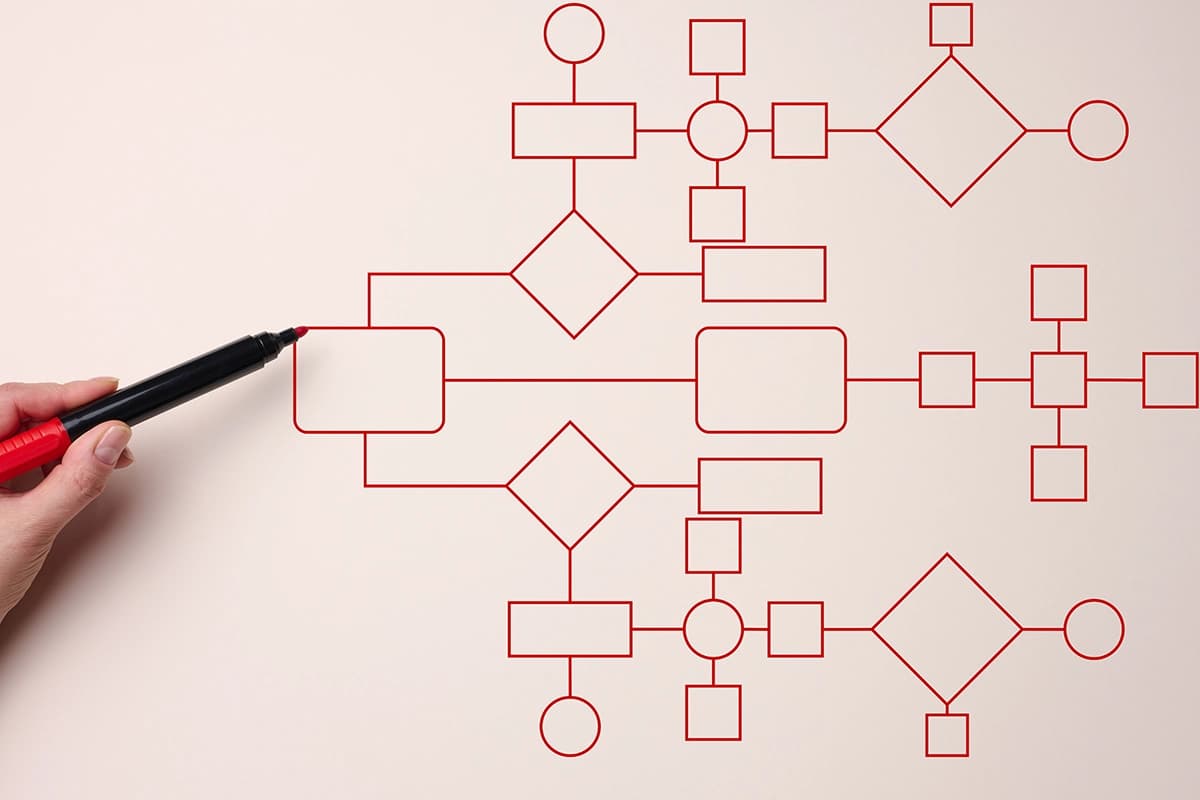
Conversation design is where your chatbot comes to life. Once your NLP system understands what the user wants, well-designed conversation flows determine how the bot responds, collects information, and guides the interaction to a successful resolution.
Dialog Structure Components:
- Welcome messages - Establish the bot's personality and set expectations about capabilities
- Main menu flows - Present clear options for the most common support scenarios
- Information collection dialogs - Efficiently gather required information to resolve queries
- Authentication flows - Secure identity verification when accessing personal information
- Resolution paths - Clear steps to solve the user's problem with confirmation
- Escalation handoffs - Smooth transitions to human agents when needed
Multimodal UX
2026's most effective chatbots aren't limited to text. According to Forrester research, support bots that combine text with visual elements like quick replies, carousels, and embedded media achieve 34% higher customer satisfaction scores than text-only interfaces.
The most overlooked aspect of conversation design is error handling. You need structured responses for when users go off-script, provide incomplete information, or when your NLP fails to understand intent. Good error recovery can turn potential frustration points into smooth experiences.
Conversation Design Best Practices
Natural & Concise Dialogue
- Keep messages concise - 1-2 sentences per message is ideal
- Use conversational language - Write how people speak, not formal documentation
- Maintain consistent tone - Align voice with your brand personality
- Avoid technical jargon - Use customer language, not internal terminology
- Balance personality with efficiency - Be friendly but prioritize solving problems
Guided User Journeys
- Use structured prompts - Guide users with clear options
- Implement quick replies - Offer tappable/clickable suggested responses
- Break down complex tasks - Split multi-step processes into manageable steps
- Provide clear navigation - Add options to go back or restart conversations
- Show progress indicators - Let users know where they are in a multi-step flow
Error Recovery
- Use escalating fallbacks - Progressive responses for repeated misunderstandings
- Implement confirmation - Verify critical information before proceeding
- Provide escape hatches - Clear options to reach human support
- Explain failures transparently - Don't pretend the bot understands when it doesn't
- Design for accessibility - Ensure conversations work for all users
Conversation Design Checklist
Bot Personality & Voice
Conversation Flows
UI Elements & UX Design
5. Implementation & Integration
Turning your chatbot design into reality with technical implementation and system integration
Technical Foundation
Implementation turns your carefully designed chatbot plan into a functioning system. This phase involves development work, testing, and integration with existing business systems to create a seamless support experience.
Key Integration Touchpoints:
Your chatbot will need to connect with multiple backend systems to deliver value:
- Knowledge Base - Access documentation and support articles
- CRM System - Retrieve customer information and history
- Order Management - Check order status and process changes
- Authentication - Verify customer identity securely
- Support Ticketing - Create and track support tickets
- Live Chat System - Seamless handoff to human agents
API-First Approach
A successful implementation starts with API planning. According to a 2024 Gartner report, chatbot projects that begin with a comprehensive API strategy are 62% more likely to meet timeline and budget targets compared to those that treat integrations as an afterthought.
When planning your implementation timeline, account for the different development phases: building the core conversational engine, implementing backend integrations, designing the user interface, and thorough testing across all supported channels and devices.
Implementation Checklist
API & Backend Integration
Channel Implementation
Testing & Deployment
Implementation Best Practices
Agile Approach
Use an agile methodology with 2-3 week sprints. Start with a minimum viable bot handling 3-5 core use cases, then iterate based on user feedback. This allows for faster initial deployment and continuous improvement.
API Management
Implement proper API management with rate limiting, monitoring, and caching strategies. Use webhooks where possible for real-time updates rather than frequent polling. Document all API interfaces for easier maintenance.
Staged Rollout
Use a phased deployment strategy: internal users first, then a small percentage of customers, followed by gradual expansion. Monitor each stage closely and be prepared to roll back if issues arise.
Comprehensive Testing
Include diverse testing approaches: automated NLP testing with variations of user inputs, integration testing of all system connections, load testing to ensure performance under peak conditions, and user acceptance testing with real scenarios.
Implementation Timeline Expectations
Typical implementation timelines for a customer support chatbot:
- Initial Development: 4-8 weeks (depending on complexity and integrations)
- Integration Testing: 2-3 weeks
- Limited Pilot: 2-4 weeks
- Optimization & Refinement: Ongoing (with major updates every 4-6 weeks)
6. Security & Compliance
Building trust through robust security measures and regulatory compliance
Trust & Data Protection
Security isn't just a technical requirement—it's fundamental to user trust. Customer support chatbots often handle sensitive personal information, financial data, and private conversations that require strong protection measures and compliance with relevant regulations.
Regulatory Landscape
Chatbots must comply with data protection laws in the regions they operate. These may include GDPR in Europe, CCPA/CPRA in California, PIPEDA in Canada, and industry-specific regulations like HIPAA for healthcare or PCI DSS for payment information.
Key Security Considerations:
- Data encryption - Both in transit (TLS 1.3+) and at rest (AES-256)
- Authentication & authorization - Multi-factor auth for accessing sensitive functions
- Session management - Secure handling of user context between messages
- Data minimization - Collecting only necessary information
- Retention policies - Clear timelines for data storage and deletion
- PII handling - Automatic detection and redaction of sensitive information
Common Security Vulnerabilities:
- Prompt injection attacks - Malicious inputs designed to manipulate AI behavior
- Sensitive data leakage - Inadvertently exposing private information in responses
- Insecure API integrations - Weak authentication or excessive permissions
- Insufficient access controls - Missing or weak authorization checks
- Third-party vulnerabilities - Security flaws in dependencies or external services

Security & Compliance Checklist
Data Protection
Compliance
Security Architecture
Security by Design
Security isn't something to add at the end—it should be integrated from the beginning of your chatbot development process. This approach, known as "security by design," reduces risks and costs.
- Identity management - Use established authentication services rather than building your own
- Principle of least privilege - Grant only the minimum permissions needed for each function
- Defense in depth - Implement multiple security layers, not single points of protection
- Secure defaults - Configure systems to be secure out-of-the-box without additional steps
- Security testing - Integrate security scans into CI/CD pipelines for early detection
LLM-Specific Security
Language models introduce unique security considerations that must be addressed with specialized techniques:
- Prompt security - Validate and sanitize all user inputs to prevent manipulation
- Output filtering - Screen responses for harmful content before displaying to users
- Rate limiting - Prevent abuse through reasonable usage restrictions
- Content policies - Define clear boundaries for acceptable topics and responses
- Grounding techniques - Ensure responses are based on verified information sources
- Regular retraining - Update models to address emerging security threats and vulnerabilities
7. Analytics & Optimization
Monitoring performance and continuously improving your chatbot to deliver maximum business value
Data-Driven Improvement
Launching your chatbot is just the beginning. Continuous monitoring and optimization are essential for ensuring long-term success and ROI. A well-structured analytics framework will help you identify improvement opportunities and measure business impact.
Key Performance Metrics:
Track these essential metrics to gauge chatbot performance and impact:
- Containment rate - Percentage of conversations resolved without human intervention
- Deflection rate - Support tickets avoided due to chatbot resolution
- Recognition rate - Percentage of user inputs correctly understood
- User satisfaction - CSAT, NPS or explicit feedback ratings for bot interactions
- Task completion rate - Percentage of user goals successfully accomplished
- Average resolution time - Time to complete the user's request
Analytics Depth
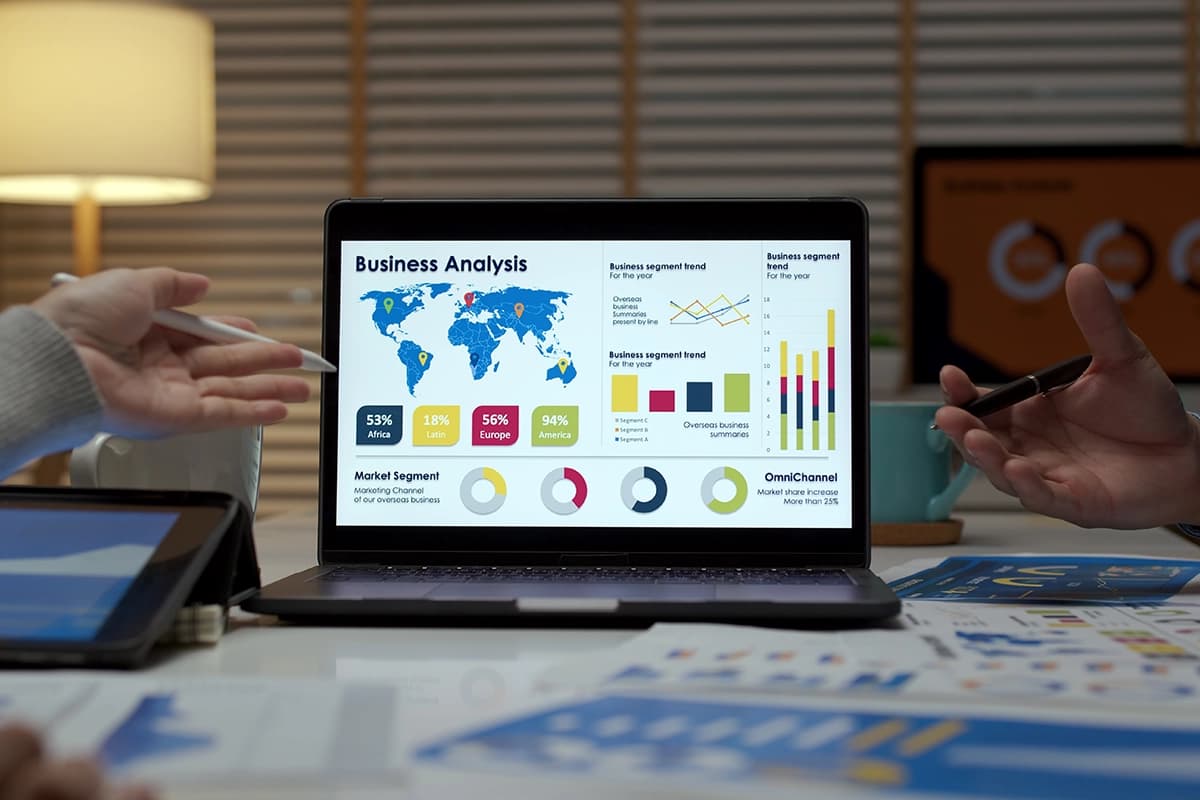
The most successful chatbot implementations track both conversation-level metrics (e.g., completion rates) and user-level metrics (e.g., repeat usage). Combining these with business metrics creates a comprehensive view of performance and impact.
Beyond standard metrics, build customer journey analytics that track how users interact with your chatbot in the context of their broader relationship with your company. This helps identify new use cases and improvement opportunities that directly impact business goals.
Analytics & Optimization Checklist
Tracking & Reporting
Conversation Analysis
Continuous Improvement
Optimization Best Practices
Following these proven strategies will help ensure your chatbot continues to improve over time:
- Schedule regular reviews - Monthly analysis of conversation data and metrics
- Prioritize improvements - Focus on high-volume issues and significant pain points first
- Enhance training continuously - Add new utterances and examples based on real user conversations
- Collect active feedback - Implement in-conversation rating mechanisms and follow-up questions
- Involve support agents - Get input from human agents who handle escalations
Performance Benchmarks
Industry standards to aim for in your chatbot implementation:
- Containment Rate: 60-75% for well-designed customer support bots
- User Satisfaction: 85%+ positive ratings for automated interactions
- Intent Recognition: 90%+ correct classification of user inputs
- Response Time: <1 second for automated responses
- Cost Savings: 25-40% reduction in support costs
Turn your chatbot data into actionable insights with our analytics services.
Next: Industry Examples8. Industry Examples & Implementation Impact
Real-world applications and results from organizations implementing customer support chatbots
Implementation Across Industries
Customer support chatbots are making an impact across various sectors. Here are key implementation examples from different industries in 2026:
E-commerce & Retail
Order tracking, product recommendations, and returns management
Retail chatbots have evolved to handle complex interactions throughout the customer journey. From initial product discovery to post-purchase support, AI-powered assistants are driving significant ROI.
Key Implementation Results:
- Alibaba: Their "AliMe" bot resolves 70% of customer inquiries without human intervention, with a 25% increase in customer satisfaction scores
- Nordstrom: Achieved 28% reduction in customer service costs and 4× higher conversion rate through chatbot interactions compared to other digital channels
- ASOS: Their virtual assistant handles 40% of customer service queries, reducing inquiry-to-resolution time from 24 hours to 5 minutes
Implementation Focus
Retail chatbots succeed when integrated with inventory, order management, and CRM systems to provide real-time, personalized information. The most effective implementations combine order tracking with proactive notifications and product recommendations.
Banking & Financial Services
Account inquiries, transaction history, and financial guidance
Financial institutions face unique challenges with high security requirements and complex regulatory frameworks. Yet, they've achieved impressive results with properly implemented support chatbots.
Key Implementation Results:
- Bank of America: Their "Erica" virtual assistant handled over 1 billion client interactions since launch, with 150 million user issues resolved in 2024 alone
- Capital One: Reported 75% of customer inquiries now handled through their AI assistant, resulting in $25 million annual cost savings
- JP Morgan Chase: Reduced query resolution time from 4 minutes to 12 seconds on average for routine banking questions
Implementation Focus
Financial chatbots require robust security measures including multi-factor authentication, encryption, and clear limits on what information can be accessed. Successful implementations focus on balancing convenience with rigorous compliance and security protocols.
Telecommunications
Technical troubleshooting, billing inquiries, and service changes
Telecom companies manage millions of customer inquiries monthly, making them perfect candidates for chatbot implementation. Their success comes from handling both technical and account-related questions.
Key Implementation Results:
- Vodafone: Their "TOBi" chatbot achieved 68% first-contact resolution rate across 14 markets, handling everything from troubleshooting to billing
- Verizon: Decreased call center volume by 30% after implementing AI-powered chat support, with 83% positive customer feedback
- AT&T: Reduced average handling time by 45% for technical support queries through guided troubleshooting flows
Implementation Focus
Telecom chatbots excel with structured troubleshooting trees and integration with network diagnostic tools. Successful implementations use guided flows with images and videos to help customers resolve technical issues themselves.
Software & Technology
Product usage help, technical support, and onboarding assistance
Tech companies lead in chatbot adoption, using them to scale support for complex products. By 2026, they've mastered the balance between automated and human support for technical issues.
Key Implementation Results:
- Autodesk: Their "AVA" virtual assistant reduced average resolution time from 38 hours to 5.4 minutes, with 99% satisfaction for bot-handled queries
- Slack: Automated 80% of password reset and account management requests, freeing up human agents for complex product questions
- Adobe: Implemented contextual help chatbots within their products, reducing support tickets by 40% and increasing feature discovery by 25%
Implementation Focus
Software companies succeed by deeply integrating help within their products, combining product knowledge bases with contextual awareness of user actions. Leading implementations use LLMs to understand complex technical questions and generate helpful responses.
Implementation Lessons From Industry Leaders
Despite different industries, successful chatbot implementations share common characteristics:
- Start with focused scope before expanding to complex use cases
- Deep integration with existing data systems provides personalized support
- Continuous training and improvement based on real conversation data
- Clear escalation paths when human intervention is needed
- Measuring business impact beyond just technical metrics
60-70%
Average resolution rate for well-designed industry chatbots
Frequently Asked Questions
Common questions about chatbot development for customer support
How long does it typically take to develop a customer support chatbot?
Development timelines vary based on complexity and scope, but generally:
- Simple FAQ bot: 4-6 weeks from planning to deployment
- Medium complexity bot with integrations: 2-4 months
- Advanced AI bot with multiple integrations: 4-6+ months
Most companies start with a limited MVP that handles a few key scenarios, then expand functionality based on performance and user feedback.
Should I use a no-code platform or build a custom chatbot?
No-Code Platforms (like Dialogflow, ManyChat)
Best for: Small to medium businesses, quick deployment, straightforward use cases
Pros: Faster to market, lower initial cost, less technical expertise required
Cons: Limited customization, possible scaling challenges, potential vendor lock-in
Custom Development (using frameworks like Rasa, Bot Framework)
Best for: Enterprises, complex use cases, unique requirements, sensitive data
Pros: Complete customization, scalability, ownership of code and data
Cons: Higher development cost, longer timeline, requires technical expertise
A hybrid approach is often optimal - starting with a platform to prove value quickly, then building custom components as needed.
How do I integrate LLMs like GPT or Claude into my customer support chatbot?
There are several proven approaches to integrating LLMs:
- Retrieval-Augmented Generation (RAG): Connect your knowledge base to the LLM so it can reference accurate company-specific information while leveraging natural language capabilities.
- Intent Classification: Use LLMs to determine user intent, then trigger appropriate flows or responses based on that classification.
- Hybrid Architecture: Handle common scenarios with traditional rule-based flows, but fall back to LLM-generated responses for edge cases.
Important: When using LLMs, implement guardrails like prompt engineering, content filtering, and human oversight to prevent hallucinations or inaccurate information.
What security measures are essential for a customer support chatbot?
Data Protection
- End-to-end encryption for all communications
- Secure storage of conversation logs
- Data minimization (only collect what's needed)
- PII detection and redaction
Access Controls
- Multi-factor authentication for sensitive operations
- Role-based access for admin interfaces
- Secure session management
- Audit logging
Infrastructure Security
- API rate limiting to prevent DoS attacks
- Regular security patches
- Web Application Firewall protection
- OWASP compliance
Compliance
- Clear privacy policies and consent mechanisms
- Data retention and deletion processes
- Compliance with GDPR, CCPA, etc.
- Regular security assessments
How do I measure the ROI of my customer support chatbot?
Cost Savings Calculation
Other ROI Factors:
- Operational Efficiency: Reduction in handling time, increased agent productivity
- Customer Experience: Improved CSAT scores, reduced abandonment rates
- Revenue Impact: Increased conversions, upsell success, reduced churn
- 24/7 Coverage Value: Impact of support outside business hours
When should my chatbot escalate to a human agent?
Design your chatbot to escalate in these key situations:
- Explicit Request: When the user directly asks for a human
- Multiple Fallbacks: After 2-3 consecutive failures to understand
- Emotional Detection: When detecting significant frustration
- Complex Scenarios: For pre-identified issues requiring human judgment
- High-Value Opportunities: Potential large purchases or retention situations
Best Practice: Always transfer conversation context to the human agent so customers don't repeat information. Design the handoff to be seamless with messaging like: "I'm connecting you with a specialist who can help further."
What are the key factors that determine chatbot success?
Clear Scope & Expectations
- Well-defined use cases with measurable outcomes
- Focused initial scope that gradually expands
- Transparent communication about capabilities
Conversational Design
- Natural, human-like conversation flows
- Consistent voice and personality
- Effective error handling and recovery
Technical Integration
- Seamless connections to backend systems
- Sufficient context management
- Reliable performance with minimal latency
Continuous Improvement
- Regular analysis of user conversations
- Iterative improvements based on data
- Expanding knowledge base over time
The single most important factor? Understanding user needs. The best chatbots start with thorough research into real customer questions and pain points.
Have a question not covered here? Our chatbot experts are ready to help.
Contact Our Chatbot Team